I have seen architecture diagrams that explained a complex system in thirty seconds.
I have also seen diagrams with two hundred boxes, forty colors and arrows going in every direction, that left everyone in the room more confused than before.
The difference is rarely artistic skill. It is clarity of purpose.
A good diagram answers one question for one audience.
The Six Views I Use Most
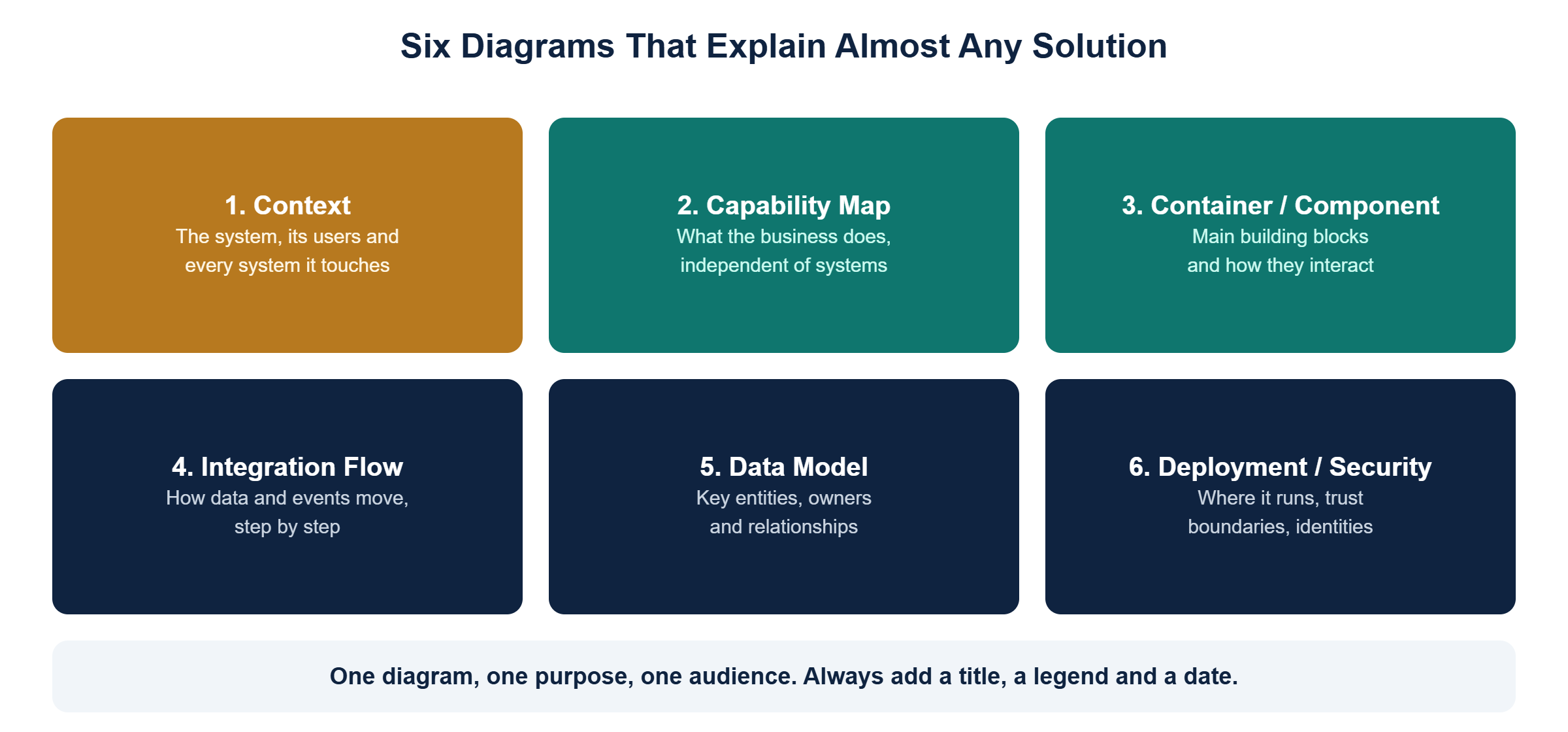
Over the years I have found that six types of diagram explain almost any solution. You rarely need all six, but knowing them helps you pick the right one.
1. Context diagram
The solution as a single box in the middle, surrounded by its users and every system it interacts with. Perfect for executives, new team members and the first page of any design.
2. Capability map
What the business does, such as "manage orders" or "handle service requests", independent of any system. Excellent for strategy discussions and spotting duplication.
3. Container and component diagram
The main building blocks inside the solution, such as applications, services, databases and integrations, and how they interact. This is the core diagram for delivery teams. The C4 model by Simon Brown is a great guide for this level.
4. Integration flow
How data or events move between systems, step by step, including what happens when something fails. Sequence diagrams work well here.
5. Data model
The key business entities, which system owns each one, and how they relate. Keep it at the business level for most audiences.
6. Deployment and security view
Where components run, trust boundaries, network zones, identities and how they authenticate. Security reviewers will ask for this one.
Habits That Make Diagrams Better
- Title every diagram with the question it answers
- Add a legend for shapes, colors and line types
- Label every arrow with what flows along it
- Keep it to one level of detail per diagram
- Date it and name an owner, because diagrams age quickly
- Use consistent notation across the organization
Tools
Draw.io, Lucid, Miro, Visio and diagram-as-code tools such as Structurizr, PlantUML and Mermaid all work well. Diagram-as-code has a big advantage: diagrams live next to the code and can be versioned and reviewed like any other change.
Common Mistakes
- One diagram trying to show everything
- Boxes without labels and arrows without meaning
- Diagrams that only make sense if the author is in the room
- Beautiful diagrams that are two years out of date
Final Thought
Architecture diagrams are not decoration.
They are thinking tools and communication tools. Draw them for a specific reader, keep them honest, and they will save you hours of meetings.